10.0.0.1 Admin Login – Xfinity Gateway and Piso WiFi
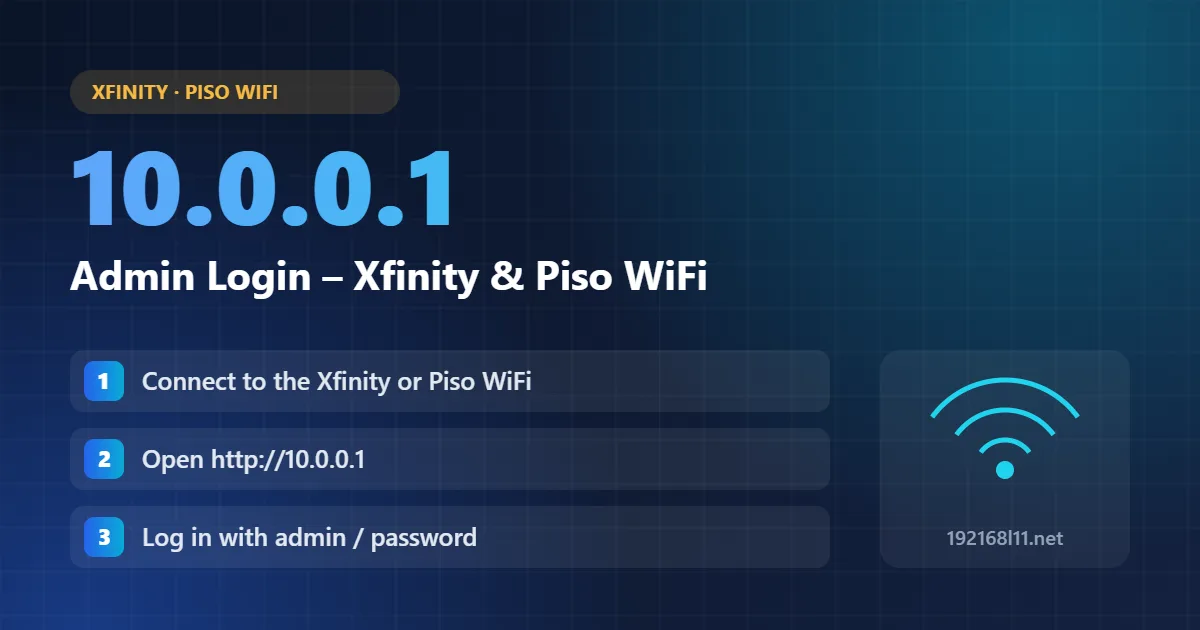
10.0.0.1 is the default login address for Xfinity (Comcast) gateways and for Piso WiFi coin-operated hotspots. Type http://10.0.0.1 into your browser while connected to the network to open the router’s Admin Tool, change your WiFi password, or check your Piso WiFi time.
This guide covers the 10.0.0.1 admin login, the default Xfinity password, how Piso WiFi works on 10.0.0.1, and what to do when the page will not load.
What Is 10.0.0.1?
10.0.0.1 is a private IPv4 address from the 10.0.0.0 – 10.255.255.255 range, reserved by RFC 1918 for local networks. It is the first usable address of that range, so many devices use it as their default gateway.
Like 192.168.1.1, it is not a website. It only works when you are connected to the network that the router or hotspot creates. Devices on the network usually receive addresses such as 10.0.0.2 to 10.0.0.253.
10.0.0.1 Xfinity Gateway Login
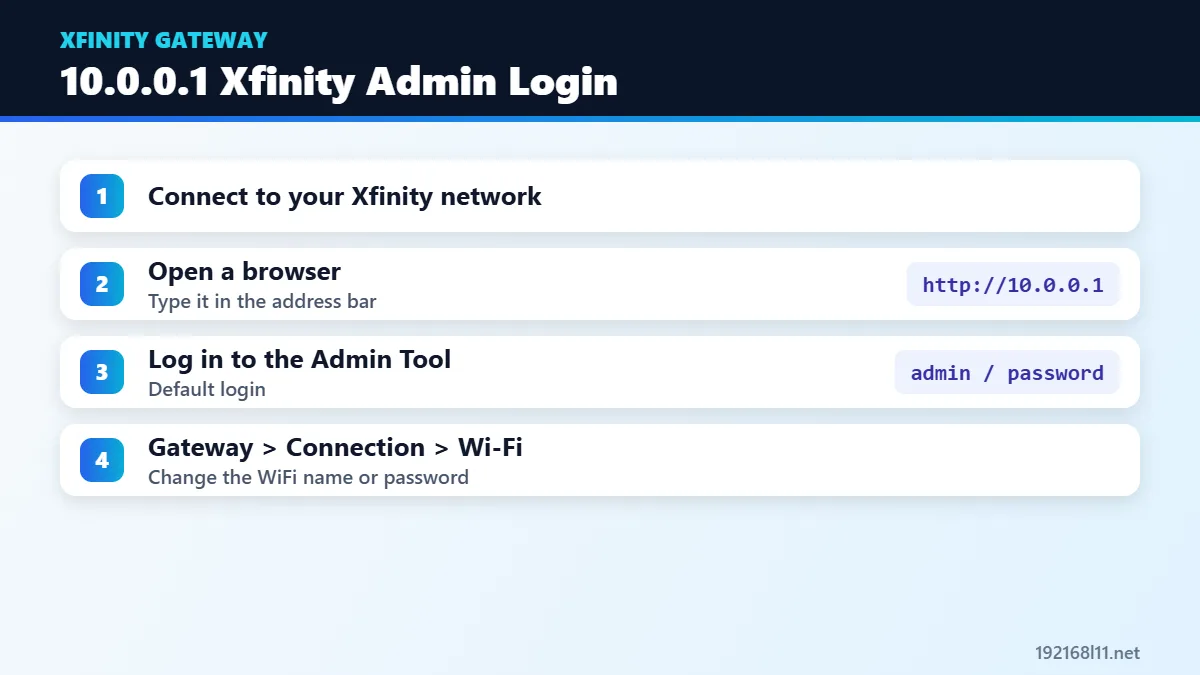
- Connect to your Xfinity WiFi network or plug in an Ethernet cable.
- Open a browser and type
http://10.0.0.1in the address bar. - Log in to the Admin Tool. The default username is admin and the default password is password.
- Create a new admin password when asked. This protects your gateway.
- Go to Gateway > Connection > Wi-Fi to change your network name or WiFi password, then click Save.
Xfinity recommends the Xfinity app for most changes, and some newer gateways send you there. Open the app, tap WiFi, choose your network and select Edit to change the name or password.
10.0.0.1 Default Username and Password
| Device | Username | Password |
|---|---|---|
| Xfinity / Comcast gateway | admin | password |
| Piso WiFi machine (operator panel) | set by the machine owner | set by the machine owner |
| Other routers using 10.0.0.1 | admin | admin, or on the router label |
Forgot the admin password you set? Press and hold the gateway’s Reset button for about 30 seconds. It restores the default admin / password login, but it also erases your WiFi settings.
10.0.0.1 Piso WiFi – How It Works
Piso WiFi is a coin-operated WiFi service found across the Philippines. You pay a few pesos at a vending machine and get internet time. The machine’s portal runs on 10.0.0.1.
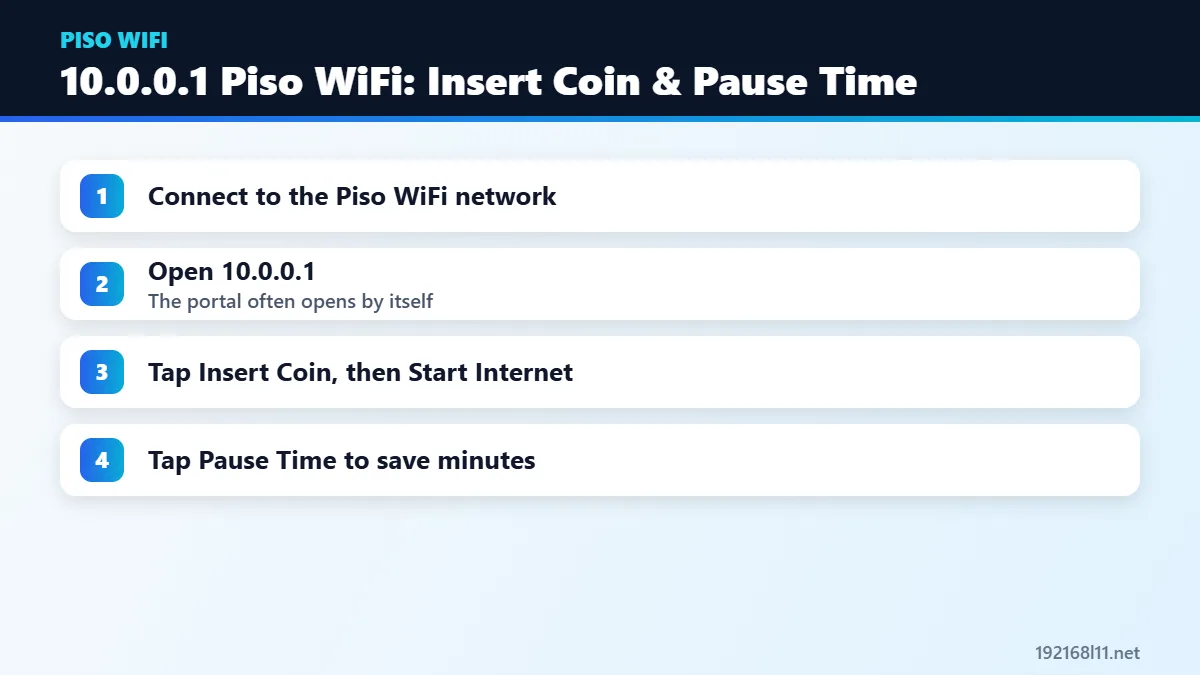
- Connect your phone to the Piso WiFi network.
- Open your browser and go to 10.0.0.1. The portal often opens by itself.
- Tap Insert Coin, drop your coins into the machine, and tap Done or Start Internet.
- Your remaining time appears on the portal page.
How to Pause Piso WiFi Time
Open 10.0.0.1 while connected and tap Pause Time to stop the clock and save your remaining minutes. Tap Resume when you want to browse again. The button is only shown on machines whose owner has turned the feature on.
Piso WiFi Admin Login (10.0.0.1/admin)
The operator panel, often found at 10.0.0.1/admin, is for the machine owner only. It controls rates, vouchers and sales reports. Regular users do not need it and cannot log in without the owner’s password.
10.0.0.0.1 and Other Typos
10.0.0.0.1 is searched as often as the correct address, but it has five number groups and will never load. An IPv4 address always has exactly four.
| You typed | Type this instead |
|---|---|
| 10.0.0.0.1 | 10.0.0.1 |
| 10.0.0.l | 10.0.0.1 |
| 10.0 0.1 or 10.0.0 .1 | 10.0.0.1 |
| 1.0.0.0.1 | 10.0.0.1 |
| www.10.0.0.1 | http://10.0.0.1 |
10.0.0.1 Not Working? Fixes
- Check the network. You must be on the Xfinity or Piso WiFi network, not mobile data.
- Check your gateway IP. On Windows run
ipconfig; if the Default Gateway is 192.168.1.1 or 192.168.0.1, use that instead. - Use
http://10.0.0.1in the address bar, not the search box. - Turn off VPN or Private Relay on iPhone, which can block local addresses.
- Restart your gateway and device, then wait two minutes.
- On Piso WiFi, forget the network and reconnect to bring the portal back.
Need to update your Xfinity WiFi password? Follow our guide on how to change your WiFi password.
FAQs
What is the password for admin 10.0.0.1?
On Xfinity gateways, the default is username admin and password password. You are asked to change it after the first login.
Is 10.0.0.1 a valid IP address?
Yes. It is a valid private IPv4 address in the 10.0.0.0/8 range. It works on local networks but never on the public internet.
How do I reset my 10.0.0.1 password?
Hold the Reset button on the gateway for about 30 seconds. The admin login goes back to admin / password.
Why does 10.0.0.1 open the Piso WiFi page?
Because you are connected to a Piso WiFi hotspot, which uses 10.0.0.1 for its coin portal. Connect to your home network to reach your own router.
Is 10.0.0.1 the same as 192.168.1.1?
No. Both are private gateway addresses, but in different ranges. Your router uses one of them. Check the Default Gateway in your network settings, or see our 192.168.1.1 login guide.
Manage Your Xfinity Gateway
Log in at 10.0.0.1 with admin / password, then set your own admin password right away.