192.168.1.254 Login Admin – Router Setup and Password Guide
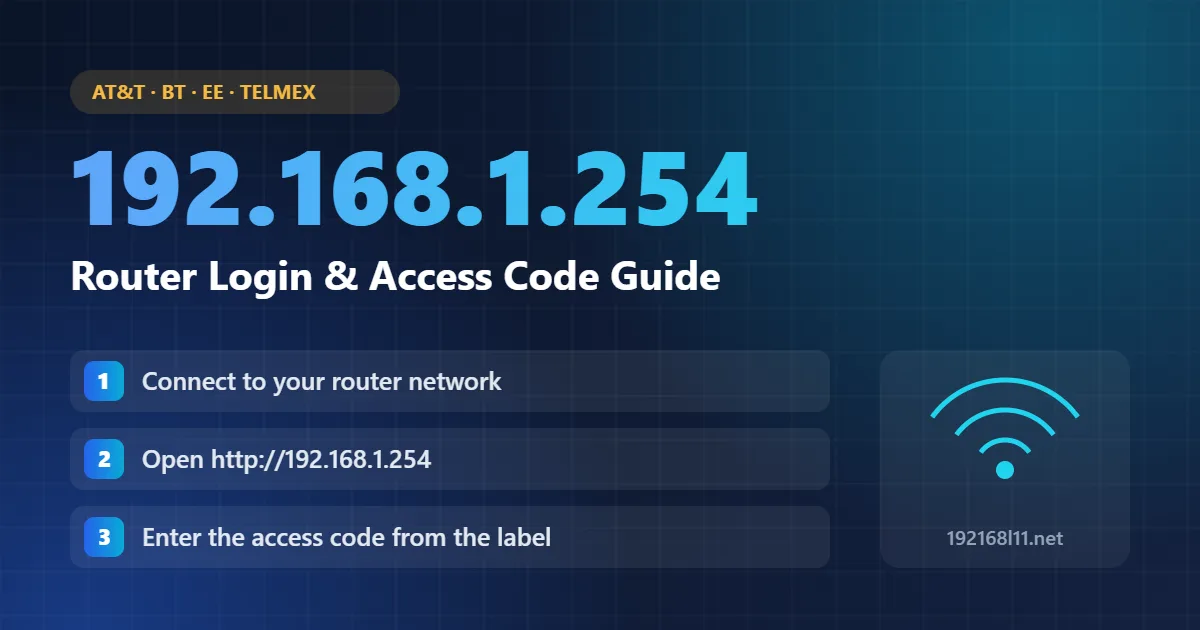
192.168.1.254 is the default login IP address for AT&T gateways, BT and EE hubs, Telmex modems and many other routers. Type http://192.168.1.254 into your browser while connected to the network, and you can change your WiFi password, check connected devices and manage the router’s settings.
This page shows you how to log in to 192.168.1.254, where to find the default password for your brand, and how to fix the common 192.168.l.254 typo.
What Is 192.168.1.254?
192.168.1.254 is a private IPv4 address, reserved for local networks by RFC 1918. It is not a website and only works on your own network. Some internet providers give their routers the last address of the 192.168.1.x range instead of the first, which is why your router uses .254 instead of 192.168.1.1.
On these networks, your devices get addresses from 192.168.1.64 to 192.168.1.253 (the exact range depends on the provider), while the router keeps 192.168.1.254 as the default gateway.
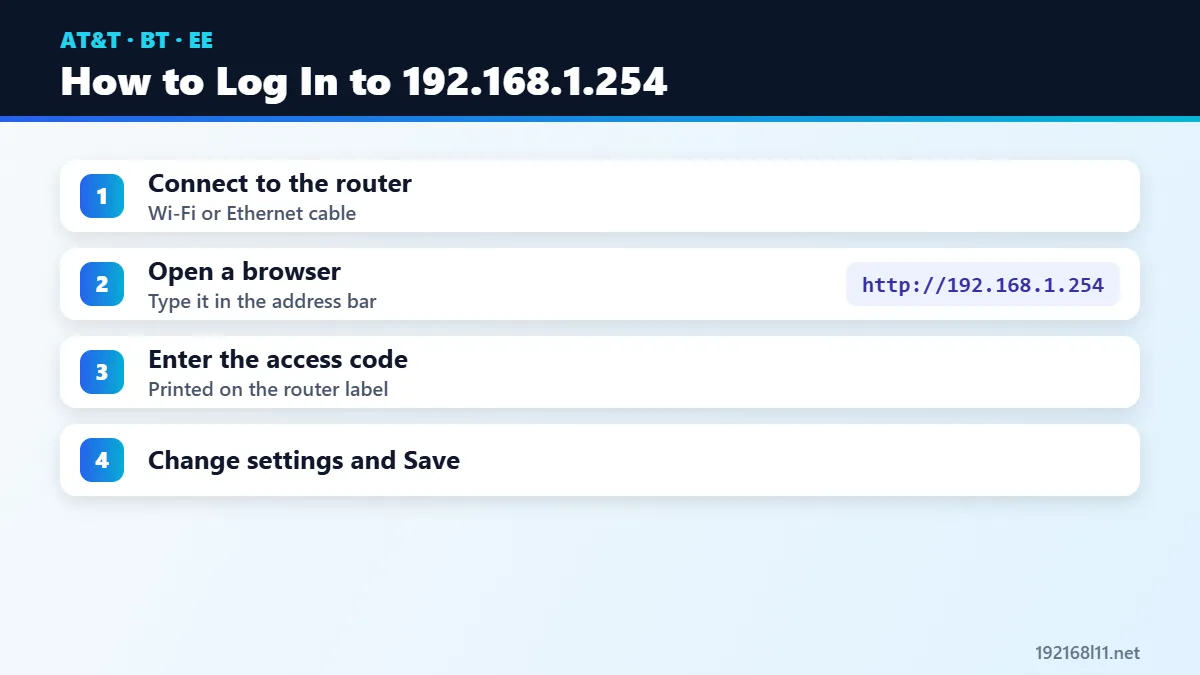
How to Log In to 192.168.1.254
- Connect to your router’s WiFi or plug in an Ethernet cable.
- Open a browser such as Chrome, Safari or Edge.
- Type
http://192.168.1.254in the address bar, not the search box. - Enter the password or access code printed on the router label.
- Change your settings and click Save.
How to Log In to an AT&T Router
AT&T gateways (BGW210, BGW320, Pace 5268AC and others) open a status page at 192.168.1.254 without a login. When you change a setting, the router asks for the Device Access Code. This is printed on the yellow or white sticker on the side of the gateway. You can also manage WiFi with the AT&T Smart Home Manager app.
192.168.1.254 Default Username and Password
| Brand / provider | Username | Password |
|---|---|---|
| AT&T (Arris, Pace, Humax, Nokia gateways) | none | Device Access Code on the router label |
| BT Smart Hub / Hub One | none | Admin password on the back of the hub |
| EE Smart Hub | none | Admin password on the back of the hub |
| Plusnet Hub | none | Admin password on the hub label |
| Telmex (Infinitum) | on the modem label | on the modem label |
| Telus | admin | on the router sticker |
| Thomson / Technicolor | Administrator | (blank) or on the label |
| Billion | admin | admin |
| 2Wire | none | System password on the sticker |
For other brands, see the full default router password list.
192.168.l.254 – Common Typo
More people search for 192.168.l.254 than the correct address: about 22,000 times a month in the US. The “l” is a lowercase letter, not the number 1, so the address will never load. Use numbers only.
| You typed | Type this instead |
|---|---|
| 192.168.l.254 | 192.168.1.254 |
| http //192.168.l.254 | http://192.168.1.254 |
| 192.168.1.254. or 192,168.1.254 | 192.168.1.254 |
| www.192.168.1.254 | http://192.168.1.254 |
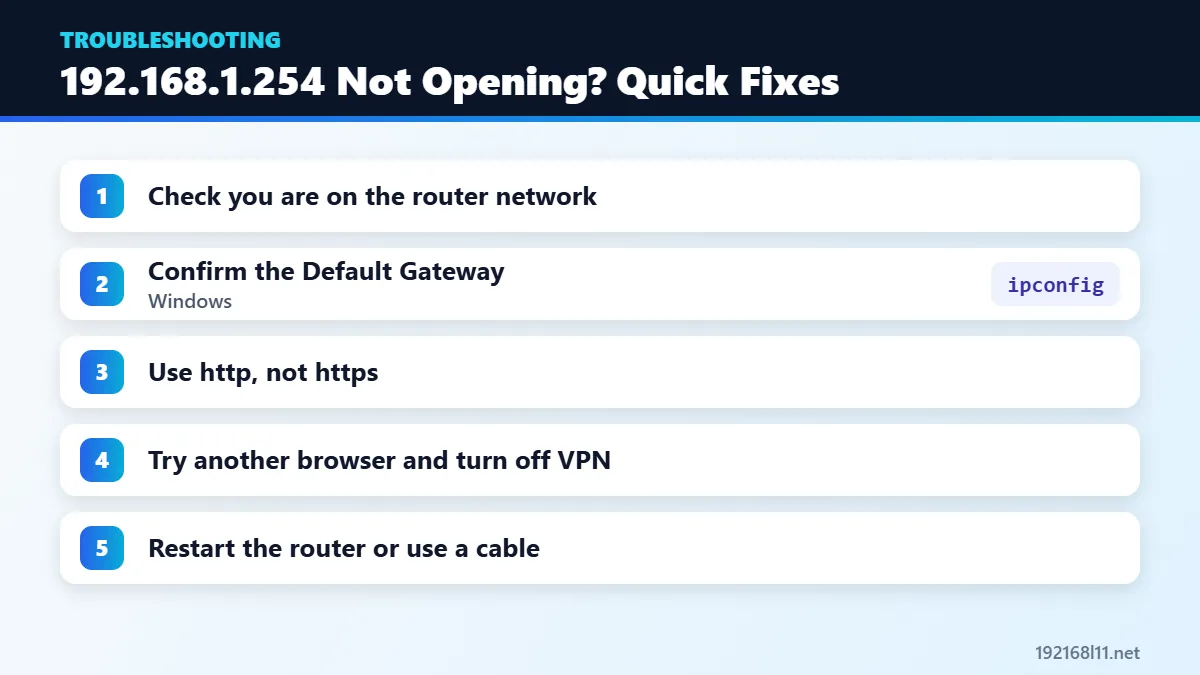
192.168.1.254 Not Opening? Try These Fixes
- Check your connection. You must be on the router’s own network, not mobile data or a guest WiFi.
- Confirm the IP address. On Windows, run
ipconfigand check “Default Gateway”. If it shows 192.168.1.1 or 192.168.0.1, use that address instead. - Use http, not https. Some routers refuse https:// connections.
- Try another browser or a private window, and turn off any VPN.
- Restart the router. Unplug it for 30 seconds, plug it back in and wait two minutes.
- Use a cable. Some hubs block admin access over WiFi extenders and mesh discs.
What You Can Change at 192.168.1.254
- WiFi network name and password (see how to change your WiFi password)
- Router admin password or access code
- Connected devices and parental controls
- Port forwarding and firewall (on AT&T: Firewall > NAT/Gaming)
- IP Passthrough, for using your own router behind the gateway
- Firmware and restart options
How to Reset a 192.168.1.254 Router
If you changed the password and forgot it, press the recessed Reset button on the back for 10–15 seconds with a paperclip. The router restarts with its factory settings, and the default password on the label works again. On AT&T gateways, use the red Reset button.
192.168.1.254 vs 192.168.1.1
Both are private gateway addresses in the same 192.168.1.x range. Most retail routers (Linksys, ASUS, Netgear) use 192.168.1.1, while many ISP-supplied gateways use 192.168.1.254. Only one device on a network can use each address. Check your Default Gateway to know which one you have.
FAQs
How do I log in to my 192.168.1.254 router?
Connect to the router, open a browser and type http://192.168.1.254. Enter the password or access code from the router label when asked.
What is the AT&T router login password?
AT&T gateways use a Device Access Code instead of a username and password. You will find it printed on the label on the side of your gateway.
Why isn’t 192.168.1.254 opening?
You may be on the wrong network, your router may use a different IP, or you typed 192.168.l.254 with a letter “l”. Check your Default Gateway and type the address with numbers only.
Is 192.168.1.254 the same as 192.168.254.254?
No. They are different addresses. 192.168.254.254 is used by a few other devices. Check the router label or your Default Gateway for the right one.
Log In to Your AT&T or BT Router
Grab the access code from the router label and open the admin page in seconds.