192.168.0.1 Login Admin – Access Your Router
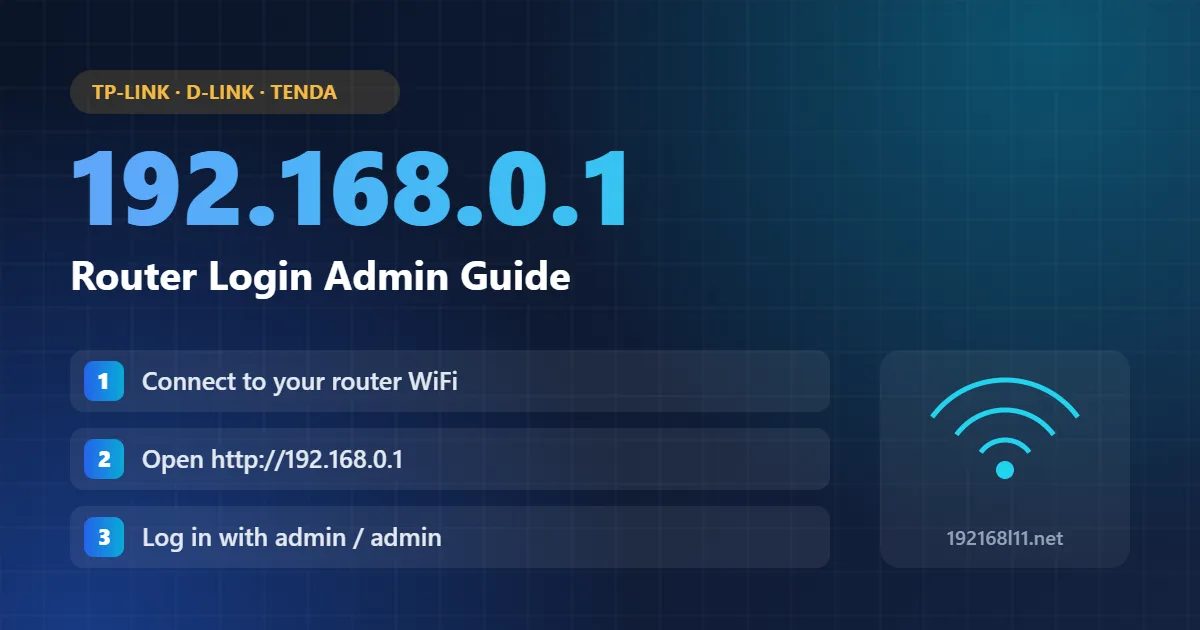
192.168.0.1 is the default IP address for TP-Link, D-Link, Tenda and many other routers. Open http://192.168.0.1 in your browser while connected to your network, sign in with the admin username and password, and you can manage your WiFi, change passwords and control connected devices.
Below you will find the login steps, default passwords by brand, how to change your WiFi password, and fixes when 192.168.0.1 does not open.
What Is 192.168.0.1?
192.168.0.1 is a private IPv4 address used as a default gateway: the address your devices use to reach the router and the internet. It belongs to the 192.168.0.0/24 network, with a subnet mask of 255.255.255.0. Your phones and laptops receive addresses such as 192.168.0.100 or 192.168.0.101 from the router.
Because it is private, 192.168.0.1 is not a website. It only works inside your home or office network, and every home can use it without conflict.
How to Log In to 192.168.0.1
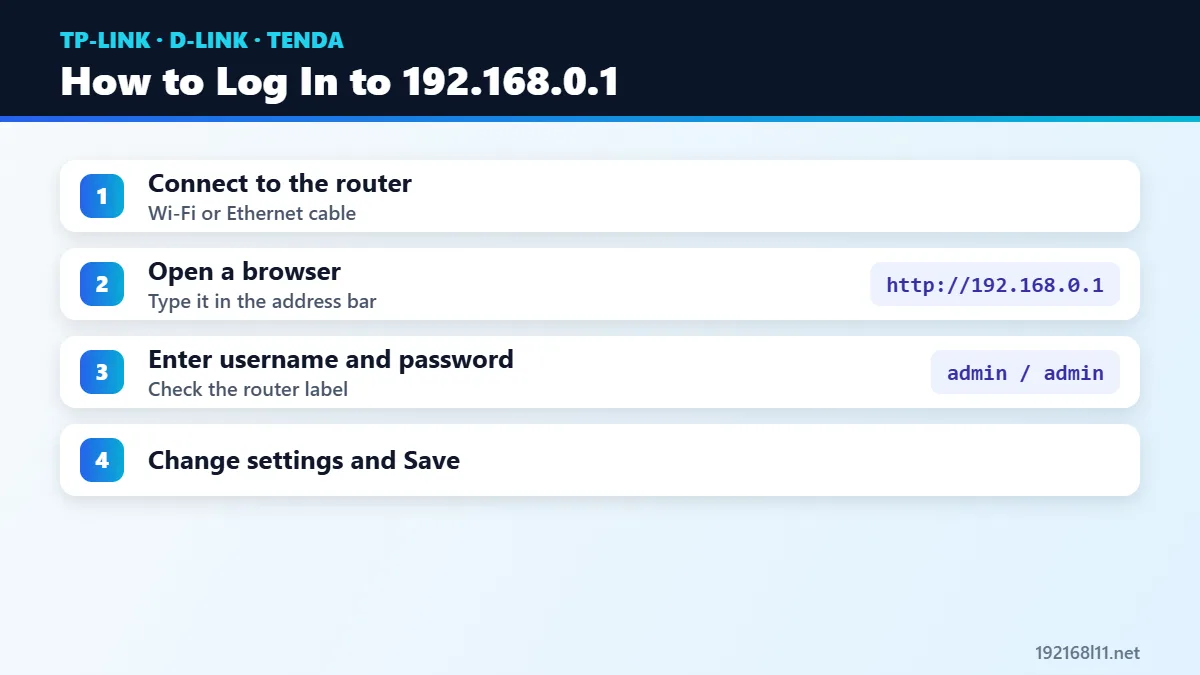
- Connect to the router by WiFi or an Ethernet cable.
- Open a browser and type
http://192.168.0.1in the address bar. - Enter the admin username and password. Check the router label or the table below.
- Open the settings you need, such as Wireless, Network or Security.
- Click Save after every change.
On a phone, connect to the WiFi first, turn off mobile data, then open 192.168.0.1 in Chrome or Safari.
192.168.0.1 Default Username and Password
| Brand | Username | Password |
|---|---|---|
| TP-Link | admin | admin (newer models ask you to create a password) |
| D-Link | admin | (blank) |
| Tenda | admin | admin, or set during setup |
| Netgear | admin | password |
| ARRIS (SBG modem-routers) | admin | password |
| Virgin Media Hub | none | Settings password on the hub label |
| Sky Hub | admin | on the hub label (older hubs: sky) |
| Vodafone Station | admin | on the router label |
Your router not here? See the full default router password list.
How to Change WiFi Password Using 192.168.0.1
- Log in at
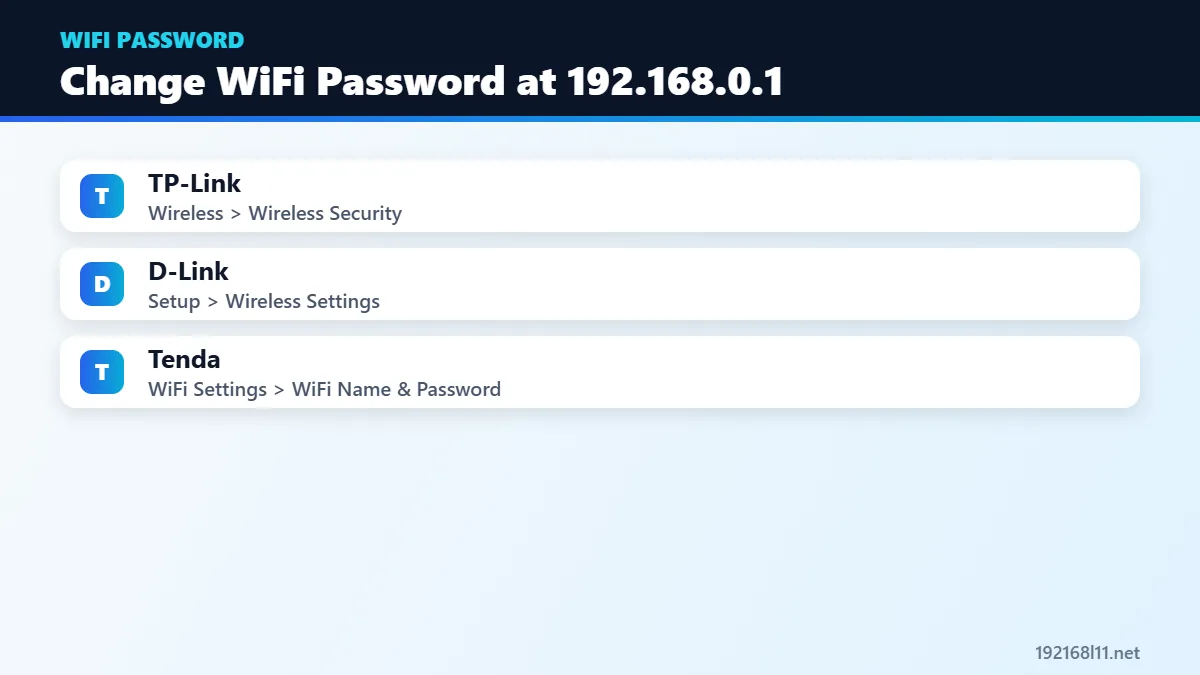
http://192.168.0.1. - Go to Wireless > Wireless Security (TP-Link) or Setup > Wireless Settings (D-Link). On Tenda, open WiFi Settings.
- Type the new password in the Password, Pre-Shared Key or WPA Key field.
- Choose WPA2-PSK (AES) or WPA3 security.
- Click Save and reconnect your devices.
For steps on other brands and on mobile, read our guide to changing your WiFi password.
192.168.0.1 Not Working? Fixes
- Check the network. You must be connected to the router, not to mobile data or another WiFi.
- Check the IP. Run
ipconfigon Windows and look at “Default Gateway”. If it says 192.168.1.1, go to our 192.168.1.1 login page. - Type it in the address bar, not the Google search box.
- Use http://, not https:// or www.
- Restart the router and your device, then wait two minutes.
- Try another browser or a private window, and switch off any VPN.
- Reset the router if the password is wrong: hold the Reset button for 10–30 seconds.
Common 192.168.0.1 Typos
| You typed | Problem | Type this instead |
|---|---|---|
| 192.168.o.1 | Letter “o” instead of zero | 192.168.0.1 |
| 192.168.0.l | Letter “l” instead of one | 192.168.0.1 |
| 192.168.0.1.1 | Extra number group | 192.168.0.1 |
| 168.192.0.1 | First two numbers swapped | 192.168.0.1 |
| www.192.168.0.1 | “www” added | http://192.168.0.1 |
| http //192.168.0.1 | Missing colon | http://192.168.0.1 |
192.168.0.1 vs 192.168.1.1
Both are default router addresses on different subnets. 192.168.0.1 is used mostly by TP-Link, D-Link and Tenda, while 192.168.1.1 is used by Linksys, ASUS and many ISP routers. A device on 192.168.0.x cannot reach 192.168.1.1, so always check your Default Gateway first.
FAQs
How do I log in to my 192.168.0.1 IP?
Connect to your router, type http://192.168.0.1 in your browser’s address bar, and sign in with the admin username and password from the router label.
What is the default password for 192.168.0.1?
Usually admin / admin for TP-Link and Tenda, and admin with a blank password for D-Link. Newer routers print a unique password on the label.
How do I change my WiFi password using 192.168.0.1?
Log in, open the Wireless or WiFi Settings menu, enter a new password in the WPA key field and click Save.
Why does 192.168.0.1 redirect to tplinkwifi.net?
Newer TP-Link routers use tplinkwifi.net as a friendly login address. It opens the same page as 192.168.0.1.
Can I access 192.168.0.1 from outside my home?
No, not by default. It only works from inside your network unless you turn on remote management, which is best left off.
Open Your TP-Link or D-Link Router
Log in at 192.168.0.1, change the default password and secure your WiFi with WPA2 or WPA3.