192.168.10.1 Login Admin – Router and WiFi Extender Setup
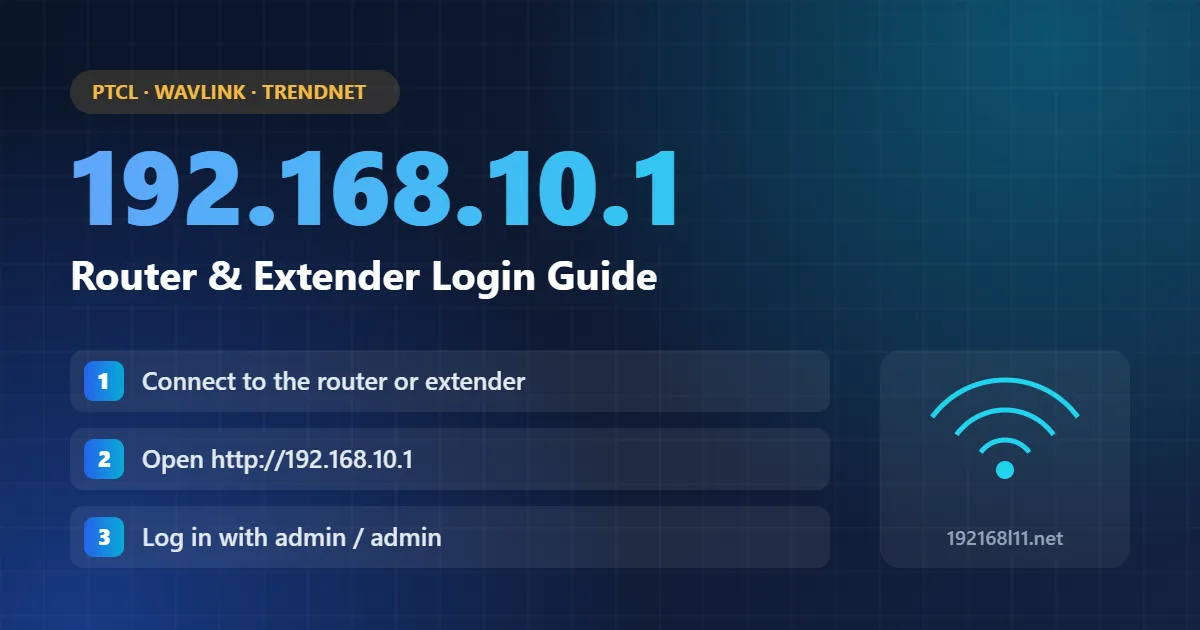
192.168.10.1 is the default login IP for many ISP routers, including a large number of PTCL routers in Pakistan, plus Wavlink WiFi extenders and TRENDnet routers. Open http://192.168.10.1 in your browser while connected to the device, enter the admin login, and you can change your WiFi password and other settings.
What Is 192.168.10.1?
192.168.10.1 is a private IPv4 address in the 192.168.10.0/24 network, reserved for local use by RFC 1918. Manufacturers pick the 10 subnet so their device does not clash with a main router already using 192.168.1.1 or 192.168.0.1. That is why WiFi extenders and second routers often use it.
Devices on this network receive addresses from 192.168.10.2 to 192.168.10.254.
How to Log In to 192.168.10.1
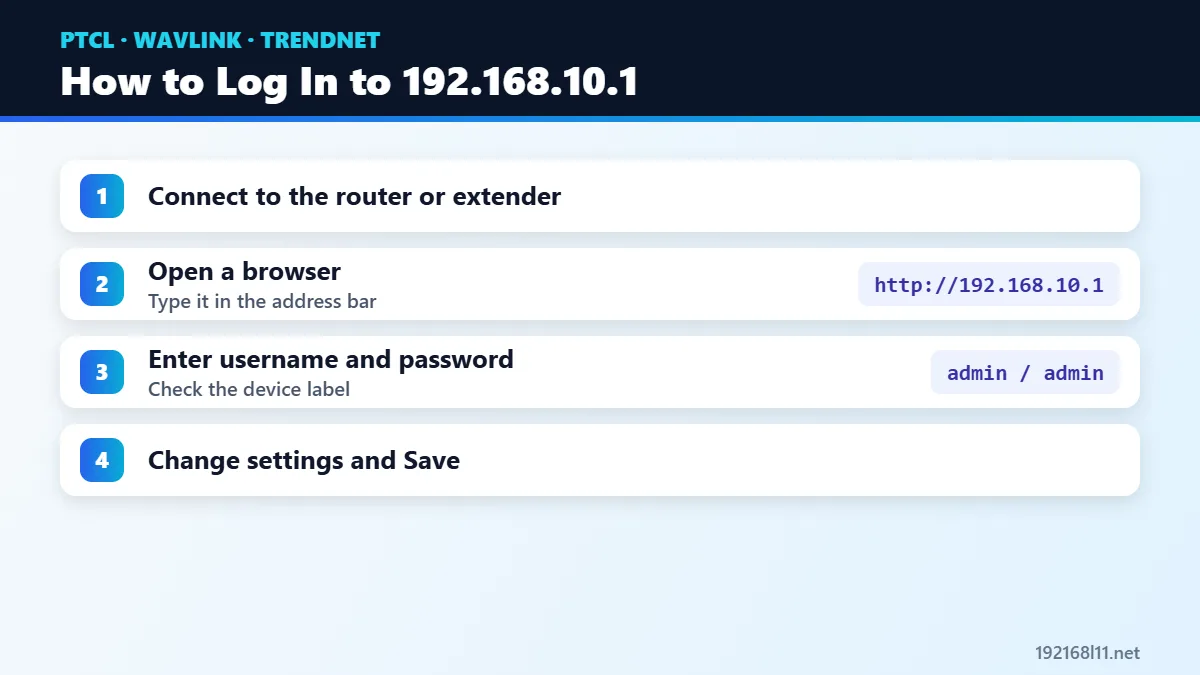
- Connect to the router’s or extender’s WiFi network, or use an Ethernet cable.
- Open a browser and type
http://192.168.10.1in the address bar. - Enter the username and password from the device label or the table below.
- Open the settings menu you need, such as WLAN, Wireless or Network.
- Click Save or Apply to keep your changes.
On a phone, turn off mobile data after connecting to the WiFi, so the browser can reach the router.
192.168.10.1 Default Username and Password
| Device | Username | Password |
|---|---|---|
| PTCL routers (many models) | admin | admin, or on the router label |
| Wavlink extenders and routers | none | admin |
| TRENDnet routers | admin | admin, or on the router label |
| Other ISP routers | admin | on the router label |
Still locked out? Try our default router password list or reset the device.
How to Set Up a WiFi Extender on 192.168.10.1
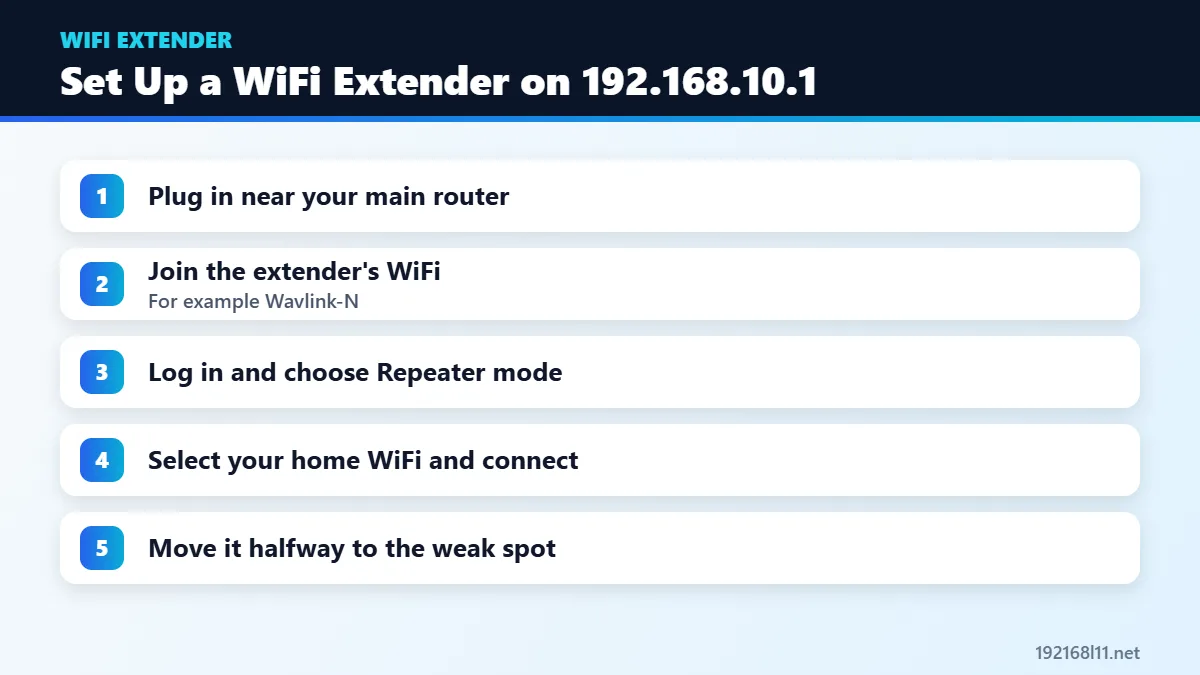
- Plug the extender into a socket near your main router.
- Connect your phone or laptop to the extender’s own WiFi (for example, Wavlink-N).
- Open
http://192.168.10.1and log in. - Choose Repeater mode, then select your home WiFi from the list.
- Enter your home WiFi password and click Connect.
- Move the extender halfway between the router and the weak-signal area.
Once connected, the extender may take a new IP from your main router, and 192.168.10.1 may stop working. Find its new address in your main router’s connected devices list.
How to Change WiFi Password on 192.168.10.1 (PTCL)
- Log in at
http://192.168.10.1. - Open Network > WLAN > Security, or Wireless > Security, depending on the model.
- Choose WPA2-PSK (AES) and type the new password in the WPA passphrase field.
- Click Submit or Save and reconnect your devices.
For other brands and mobile steps, see how to change your WiFi password.
192.168.l0.1, 192.168.1.10 and Other Mix-Ups
192.168.10.1 is often mistyped, and it is easy to confuse with 192.168.1.10, which is a normal device address, not a router.
| You typed | What is wrong | Type this instead |
|---|---|---|
| 192.168.l0.1 | Letter “l” instead of one | 192.168.10.1 |
| 192.168.10 | Missing last number | 192.168.10.1 |
| 198.168.l.10 or 192.168.l.10 | Wrong first number and letter “l” | 192.168.10.1 (router) or 192.168.1.10 (device) |
| www.192.168.10.1 | “www” added | http://192.168.10.1 |
| 192.168.10.1. | Extra dot at the end | 192.168.10.1 |
192.168.10.1 Not Working? Fixes
- Connect to the right WiFi. Extenders only answer on 192.168.10.1 when you are on their own network.
- Check your Default Gateway with
ipconfig(Windows) or in WiFi details (phone). - Type http:// in the address bar, not the search box.
- Restart the device and try again after two minutes.
- Reset it. Hold the Reset button for 10 seconds (extenders) or 10–30 seconds (routers) to restore the default login.
FAQs
What is 192.168.10.1?
It is a private IP address used as the default login address for many PTCL routers, Wavlink WiFi extenders and TRENDnet routers.
How do I access the 192.168.10.1 router login page?
Connect to the device’s network, open a browser, type http://192.168.10.1 and sign in with the username and password on the device label.
What is the PTCL router password for 192.168.10.1?
Many PTCL routers use admin / admin, but some models print a unique password on the label. If neither works, reset the router.
Is 192.168.10.1 the same as 192.168.1.1?
No. They are on different subnets. Your router uses one of them; check the Default Gateway, or use our 192.168.1.1 login guide.
Set Up Your PTCL Router or Extender
Log in at 192.168.10.1, secure your WiFi and get full coverage across your home.