192.168.100.1 Login Admin – Fiber ONT and Modem Setup
192.168.100.1 is the default login address for Huawei fiber ONTs, most cable modems (ARRIS SURFboard, Netgear, Motorola) and the Starlink dish. Type http://192.168.100.1 in your browser while connected, and you can see your connection status, sign in to the admin page and change WiFi settings.
What Is 192.168.100.1?
192.168.100.1 is a private IPv4 address used by the device that brings internet into your home: the fiber ONT or the cable modem. Your WiFi router usually sits behind it at a different address, such as 192.168.1.1 or 192.168.0.1.
This is why 192.168.100.1 often opens a simple status page instead of full router settings. It shows signal levels, connection status and the event log, which your internet provider may ask for when fixing a problem.
How to Log In to 192.168.100.1
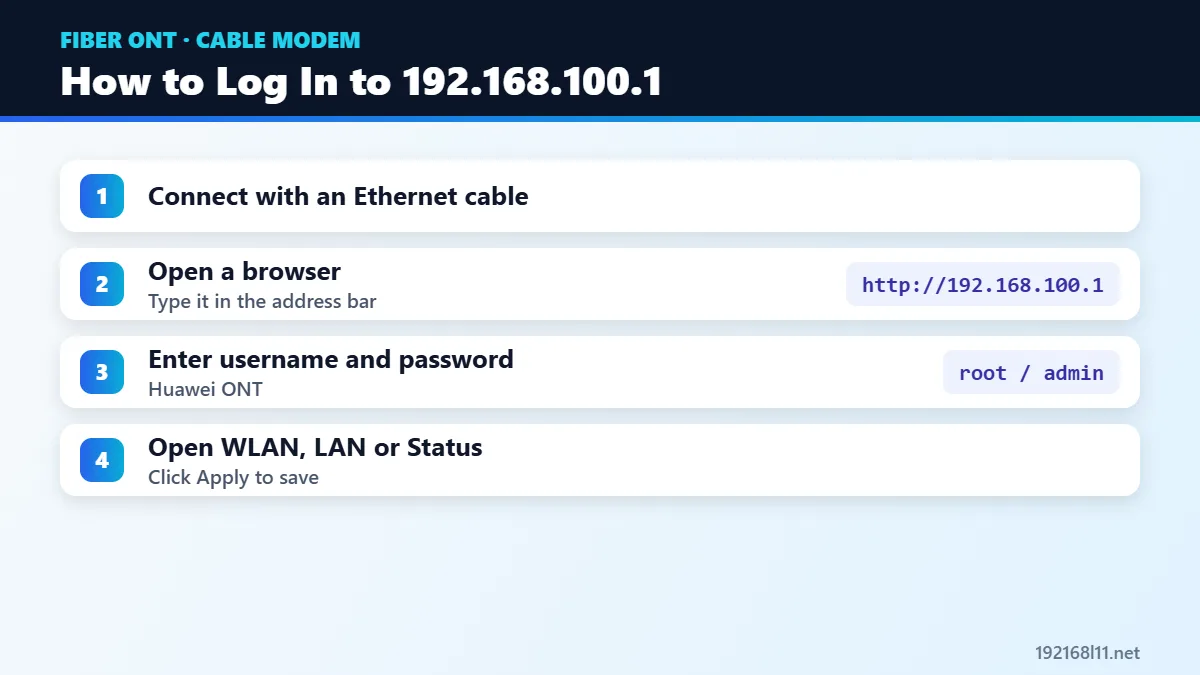
- Connect to the modem or ONT with an Ethernet cable, or to its WiFi if it has one.
- Open a browser and type
http://192.168.100.1in the address bar. - Enter the username and password from the device label or the table below.
- Open WLAN, LAN or Status to view or change settings.
- Click Apply to save.
192.168.100.1 Default Username and Password
| Device | Username | Password |
|---|---|---|
| Huawei HG8245 / HG8546 fiber ONT | root | admin |
| Huawei ONT (ISP admin account) | telecomadmin | admintelecom |
| Newer Huawei ONTs | on the label | on the label |
| ARRIS SURFboard cable modem | admin | password (newer firmware asks you to set one) |
| Netgear cable modem | admin | password |
| Starlink dish | no login | status page only |
ISP-supplied ONTs often have custom passwords set by the provider. If the defaults fail, check the label or ask your internet provider. More brands are in our default router password list.
How to Change WiFi Password on a Huawei ONT (192.168.100.1)
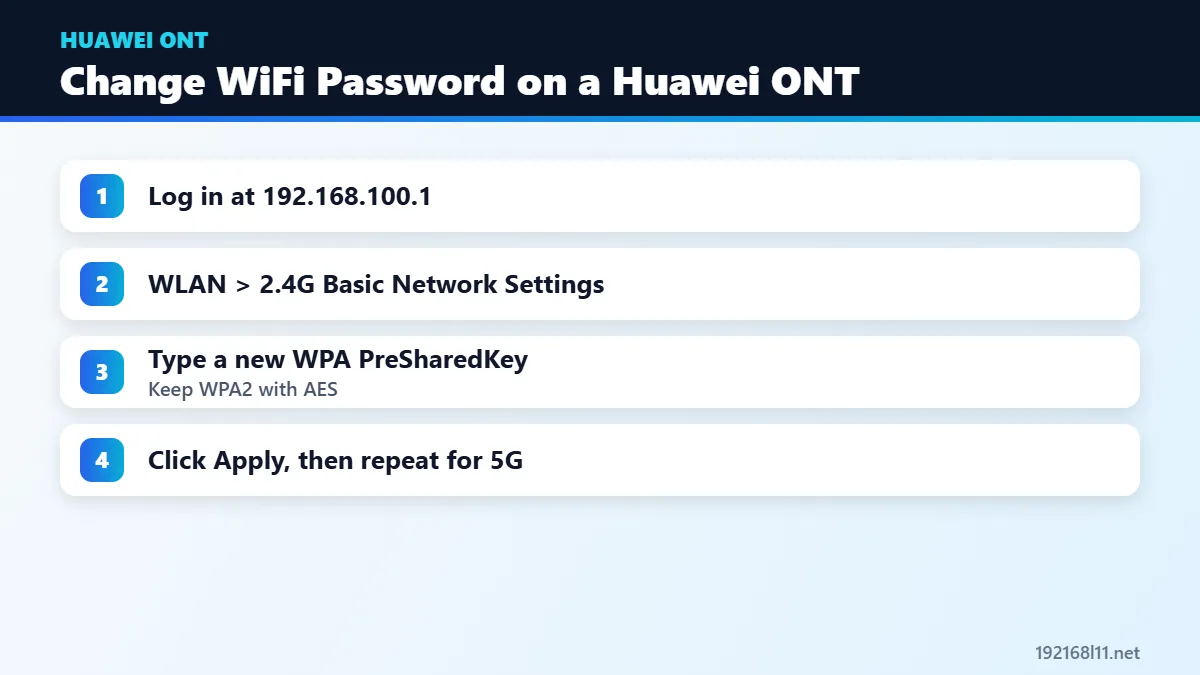
- Log in at
http://192.168.100.1. - Go to WLAN > 2.4G Basic Network Settings (and 5G Basic Network Settings on dual-band models).
- Type a new password in the WPA PreSharedKey field.
- Keep authentication on WPA2 PreSharedKey with AES encryption.
- Click Apply, then repeat for the 5G band.
For other devices, see how to change your WiFi password.
192.168.100.1 on Cable Modems
Cable modems from ARRIS, Netgear and Motorola use 192.168.100.1 for their status page, even when your router uses a different address. Open it to check downstream and upstream signal levels, see whether the modem is online, or restart it. This works from any device connected to your router, because the router passes the request through to the modem.
Starlink and 192.168.100.1
The Starlink dish answers on 192.168.100.1. The Starlink app uses this address to show dish status, obstructions and speed. There is no admin login: you manage Starlink through the app, while the Starlink router itself uses 192.168.1.1.
Common 192.168.100.1 Typos
| You typed | Type this instead |
|---|---|
| 192.168.l00.1 | 192.168.100.1 |
| 192.168.100 | 192.168.100.1 |
| 192.168. 100.1 | 192.168.100.1 (no spaces) |
| 192.168.l.100 | 192.168.100.1 (192.168.1.100 is a device address, not a modem) |
| www.192.168.100.1 | http://192.168.100.1 |
192.168.100.1 Not Working? Fixes
- Use a cable. Many ONTs only allow admin login from a LAN port.
- Turn off mobile data and connect directly to the modem or ONT.
- Use http://, not https://. A “connection not private” warning on https is normal for modems.
- Check for a router in between. If your router uses 192.168.100.x itself, the modem page cannot be reached; change the router’s LAN IP.
- Restart the modem or ONT, wait three minutes and try again.
- Ask your ISP if the login was changed. Providers often lock the admin account.
FAQs
What is 192.168.100.1?
It is a private IP address used by Huawei fiber ONTs, cable modems and Starlink dishes for their status and admin pages.
What is the 192.168.100.1 username and password?
For most Huawei ONTs it is root / admin, or telecomadmin / admintelecom for the full admin account. For cable modems it is usually admin / password.
How do I log in to a 192.168.100.1 4G wireless router?
Connect to the router’s WiFi, open http://192.168.100.1 and enter the login printed on the label. Some Huawei 4G routers use 192.168.8.1 instead.
Why can’t I access 192.168.100.1?
You may be on WiFi when the device only allows a cable connection, your ISP may have changed the password, or your router may be blocking the path. Connect directly with a cable and restart the modem.
Check Your Fiber or Cable Connection
Open 192.168.100.1 to see signal levels, restart your modem or update your Huawei ONT WiFi.